

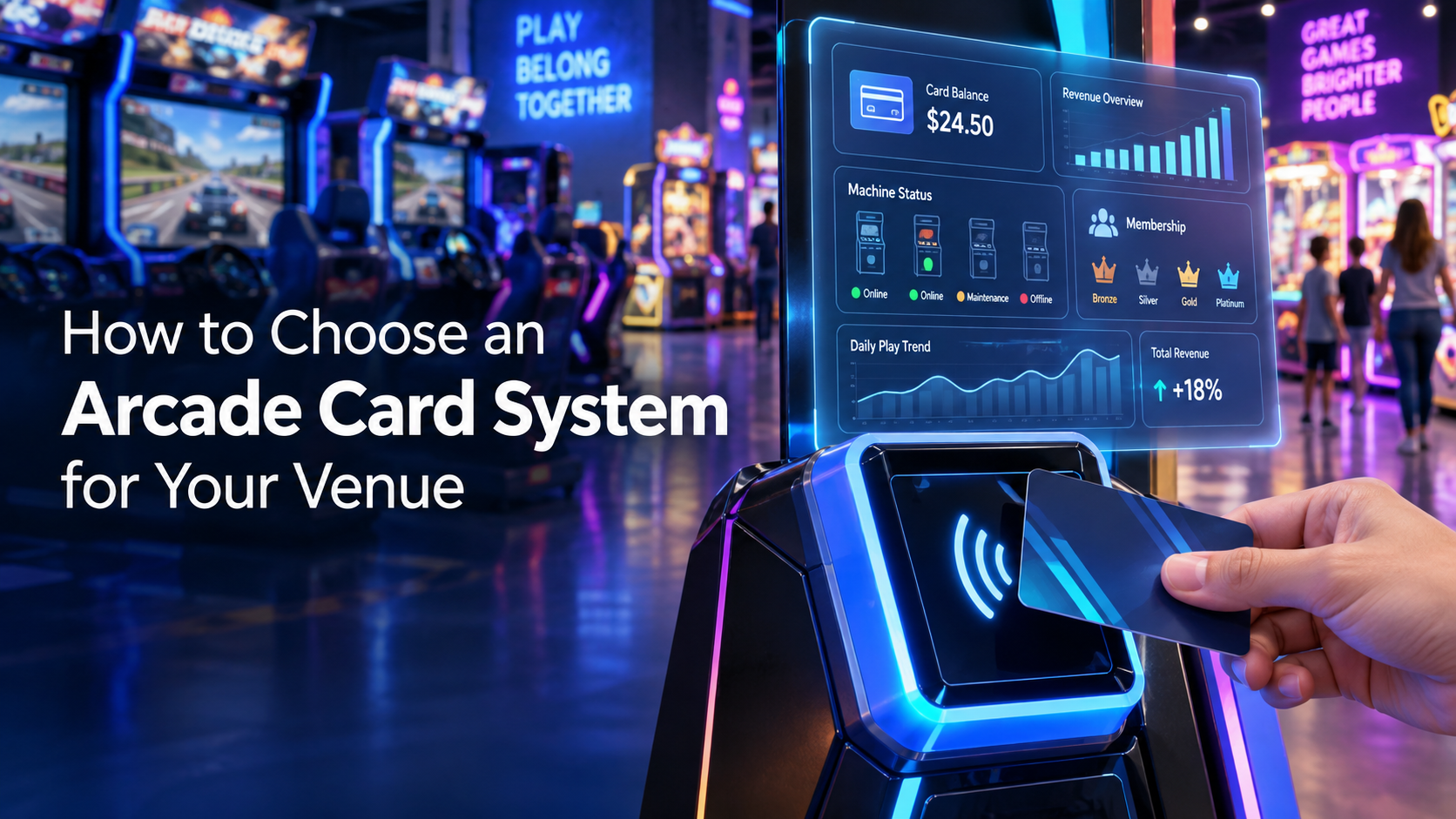
For a commercial arcade or family entertainment center, changing from coin-only operation to an arcade card system is not simply a hardware purchase. It is an operating-system decision that affects guests, cashiers, technicians, managers and every compatible machine on the floor.
A well-planned setup can simplify game activation, support flexible credit packages and give operators clearer control over day-to-day activity. A poor rollout can create reader problems, long recharge queues and difficult staff procedures. This guide presents a practical planning framework for FECs, game rooms, indoor parks and other commercial amusement venues.
Start With the Operating Model, Not the Reader
Before comparing card hardware, define how the venue should work. Map the guest journey from arrival to the final game:
The guest receives or purchases a card.
Cash, bank card or another accepted method is converted into venue credits.
The guest taps or swipes at a compatible machine.
The system deducts credits and records the transaction.
The guest checks the balance or reloads the card.
Staff resolve lost-card, incorrect-charge or reader issues.
This map reveals how many cashier stations or self-service points may be needed, where queues could form and which staff roles require system access.
What Is Included in an Arcade Card System?
The term can describe several connected components rather than one product. A project may include reusable IC cards, machine readers, recharge stations, management software, a database, local network equipment, controllers and installation accessories.
The selected architecture must suit the venue. A small game room and a multi-zone FEC may need different network layouts, permissions and reporting depth. Operators should request a complete bill of materials and a clear explanation of what each component does.
ELONG provides a dedicated range of arcade card systems and venue management solutions for commercial projects.
Create a Machine Compatibility Schedule
Do not assume that every game can accept the same reader without review. Build a spreadsheet or schedule containing the machine name, manufacturer, model, voltage, existing payment device, control interface and cabinet position. Add clear photos of the coin mechanism, wiring and control board.
Card and reader names found online can also be misleading. Buyers may encounter search terms such as Excard, Showcard, Casa Card, CoinCard, Traycard or eWire. Similar terminology does not establish compatibility. Card frequency, encoding, reader protocol, firmware and system software must be checked together.
Procurement rule: obtain written compatibility confirmation for the proposed system and the actual machine list before ordering replacement cards or readers.
Define Credits, Pricing and Promotions
An arcade card platform should reflect the venue’s commercial rules. Document these rules before configuration:
credit price for each game or attraction;
bonus credits for larger reloads;
weekday, weekend or event pricing;
complimentary and service-credit permissions;
card deposits, replacement fees and expiration policy;
rules for multiple zones, branches or membership levels.
Clear rules make staff training easier and reduce inconsistent decisions at the cashier counter. They also help suppliers demonstrate whether the software can support the required workflow.
Review Payment Security Responsibilities
Venue credits and bank-card data are not the same thing. An amusement card may hold only a venue-specific identifier or balance. However, if a kiosk, point-of-sale terminal or connected service stores, processes or transmits payment account data, the operator needs to understand the applicable security responsibilities.
The PCI Security Standards Council’s PCI DSS resource explains the baseline technical and operational requirements for protecting payment account data. Operators should confirm the division of responsibility with their acquiring bank, payment processor and technology suppliers. Outsourcing processing should not be treated as automatic removal of every merchant responsibility.
Plan for Network Failure and Recovery
Ask the system provider how every device communicates and what happens when a connection is interrupted. Questions should cover:
wired, wireless and internet requirements;
local server or cloud dependencies;
reader behavior during an outage;
transaction synchronization after recovery;
database backup and restoration procedures;
remote-support access and authorization.
The answers should become part of the venue’s operating procedure. Cashiers and supervisors need a simple outage response, while technicians need network diagrams and escalation contacts.
Protect Administrator and Staff Accounts
Create separate access roles for cashiers, technicians, supervisors and owners whenever the software allows it. A cashier normally does not need permission to change global pricing, while a technician may need device diagnostics without access to financial reports.
Use individual accounts, remove access promptly when staff leave and review administrator permissions regularly. The U.S. Cybersecurity and Infrastructure Security Agency highlights measures including multifactor authentication, software updates, logging and backups in its cybersecurity resources for small and medium-sized businesses. Apply these practices to management PCs, remote-support tools and business networks where supported.
Check Whether the Reports Answer Business Questions
A long feature list is less useful than a realistic demonstration. Ask the supplier to show the reports that managers will actually use, such as:
plays and credits by machine;
recharges, adjustments and promotional credits;
staff actions and permission changes;
device status or communication failures;
daily, weekly and period comparisons;
data exports for accounting or further analysis.
Also confirm data-retention periods and how records can be exported. System reports should be reconciled with cashier procedures, machine meters and maintenance records according to the operator’s internal controls.
Use a Phased Installation and Acceptance Test
For an existing venue, converting a small group of representative machines first can reduce rollout risk. Include different game types and cabinet interfaces in the pilot. Test normal play, insufficient credits, rapid repeated taps, card reloads, lost-card handling and network interruptions.
Before full acceptance, confirm that:
every listed machine activates correctly;
the displayed and deducted credit values match;
cashier and supervisor permissions work as intended;
reports record the tested transactions;
backup and recovery steps have been demonstrated;
staff have received operating and basic troubleshooting training;
warranty and support contacts are documented.
Commercial Arcade Card System RFQ Checklist
Send suppliers enough information to propose a complete solution:
venue type, country, floor plan and launch date;
number of machines and expected peak visitor volume;
machine schedule with interface and wiring photos;
required card, reader, cashier and recharge quantities;
credit, pricing and promotion rules;
language, currency and reporting requirements;
network conditions and offline-operation expectations;
installation, training and support responsibilities;
future expansion or multi-location plans.
Frequently Asked Questions
Is an IC card the same as every arcade card?
No. “IC card” is a broad description and does not guarantee that two systems use the same frequency, encoding, protocol or software. Verify the exact specification and reader compatibility.
Can a card system retrofit an operating arcade?
It may be possible, depending on the machine interfaces and proposed hardware. The supplier should inspect the equipment list and wiring information before confirming the retrofit.
Should an FEC choose wired or wireless readers?
The answer depends on the system design, building network, cabinet positions, reliability requirements and maintenance plan. Evaluate the complete architecture rather than choosing by reader appearance alone.
What should be included in the project price?
Request an itemized quotation covering cards, readers, controllers, stations, software, licenses, network or server components, installation accessories, configuration, training, shipping, warranty and support.
How can a venue reduce rollout risk?
Use a verified machine list, agree on responsibilities, pilot representative machines, run acceptance tests and train staff before the full system goes live.
Choose a System That Fits the Whole Venue
The right arcade card system should fit the guest journey, machine interfaces, staff structure, reporting needs and expansion plan. Begin with operational requirements and a detailed equipment audit. Confirm compatibility in writing, then test the complete workflow before opening it to customers.
Planning a new venue or upgrading an existing game floor? Review ELONG’s commercial arcade card and venue management products and send the project team your machine list, photos and operating requirements for a configuration assessment.